
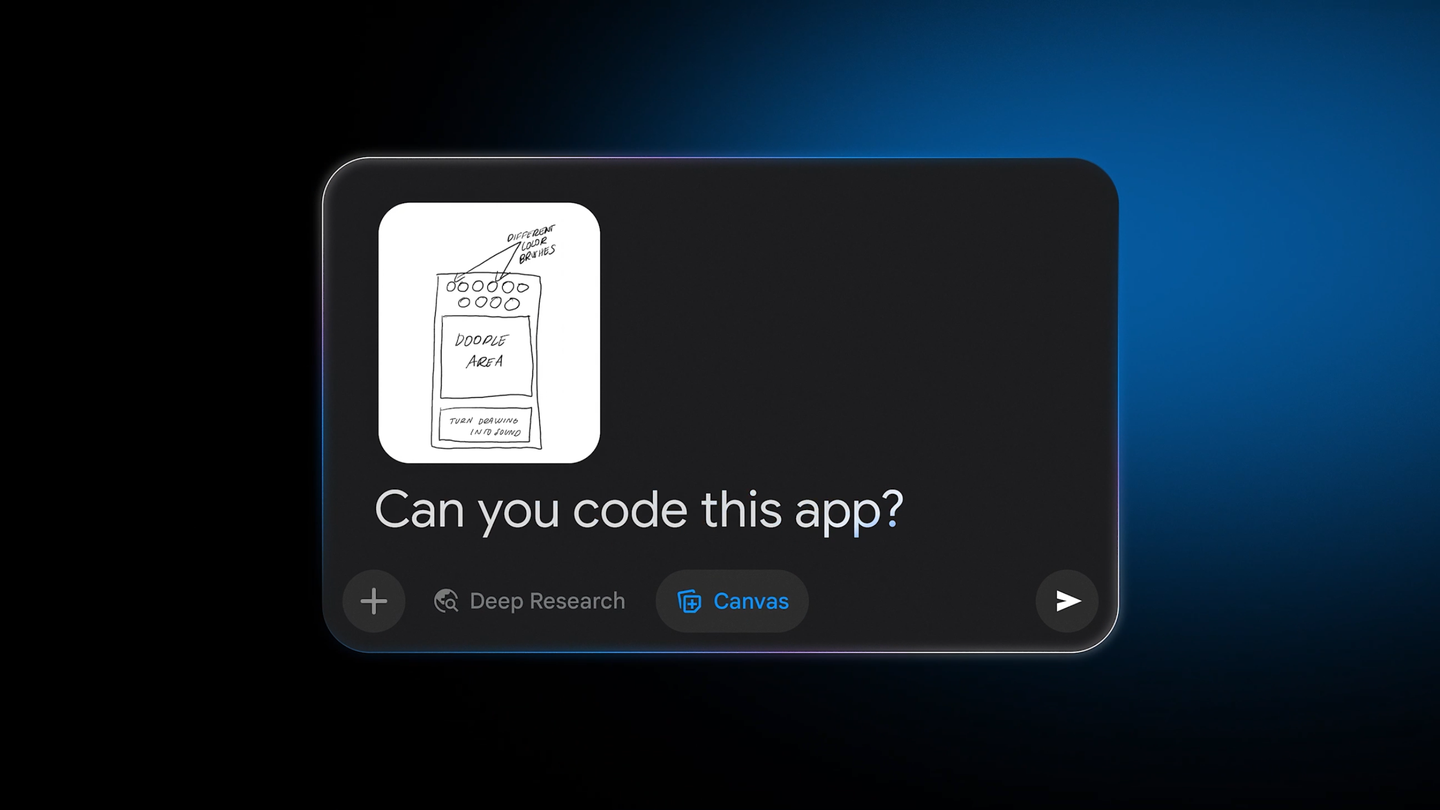
Create Live Apps from Sketches with Gemini

Date:

Gemini app development

Gemini app development — Innovative app concepts frequently begin as simple sketches. With Gemini, you can transform these ideas into interactive applications. Here’s a step-by-step guide on how to do it.

How to Use Gemini

First, upload a photo of your drawing, whether it’s an app mock-up, a habit tracker, or a game board. After that, select the Canvas tool and prompt Gemini by asking, “Can you code this app?” The technology will analyze your image and generate the corresponding code.

Once the code is created, you can test your application in the preview window. Gemini offers the flexibility to modify colors, fonts, and other features in real-time, allowing for instant adjustments.

The next time inspiration strikes, remember that with Gemini, you can quickly bring your sketches to life.


admin
Author: admin

LEAVE A REPLY

Please enter your comment!
Please enter your name here

Related articles

Elon Musk’s Companies Face $420 Billion Loss Post Midterms

Elon Musk companies loss — Elon Musk's Tesla and SpaceX suffer over $420 billion loss in market cap due to midterm elections, raising concerns over regulatory…

Claude Introduces Personal Finance Feature for Bank Account Linkage

Claude's new Personal Finance feature allows users to link bank accounts for analysis, tracking spending and bills while ensuring data security.

WhatsApp Introduces iOS-Like Chat Previews for Android Users

WhatsApp is set to introduce iOS-style chat previews for Android that allow users to view messages without sending read receipts.

Moonshot AI Seeks Nvidia Blackwell Access Through Europe

Moonshot AI pursues access to Nvidia's Blackwell chips through European data centers amid U.S. restrictions, highlighting the competitive AI landscape.