


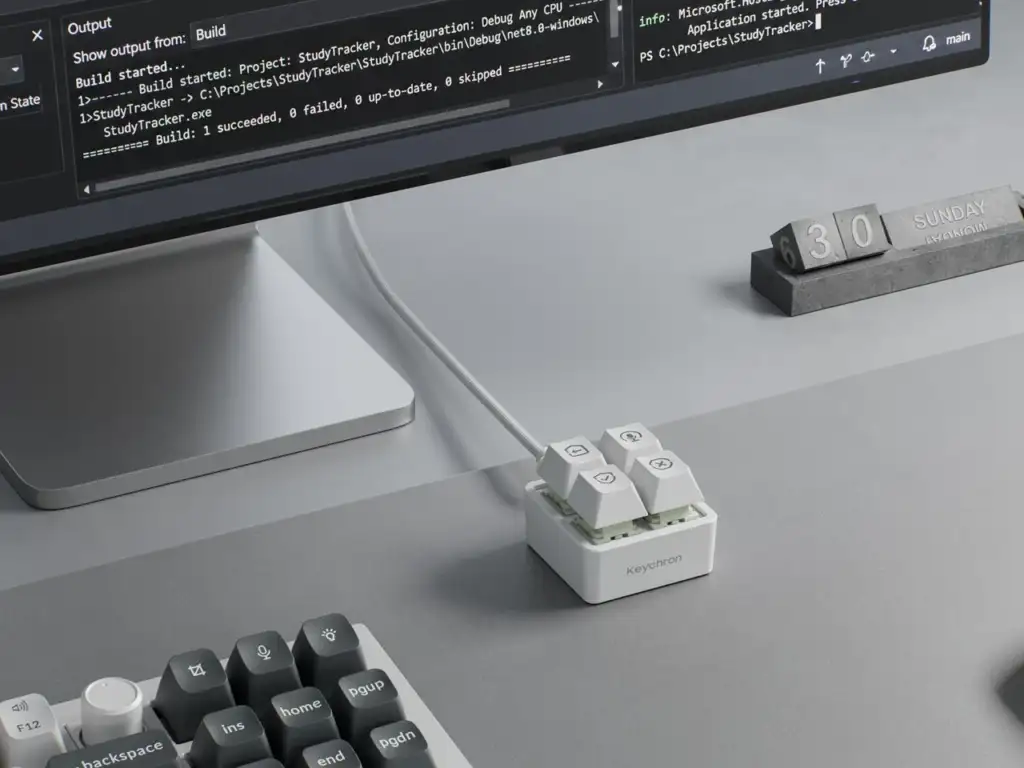

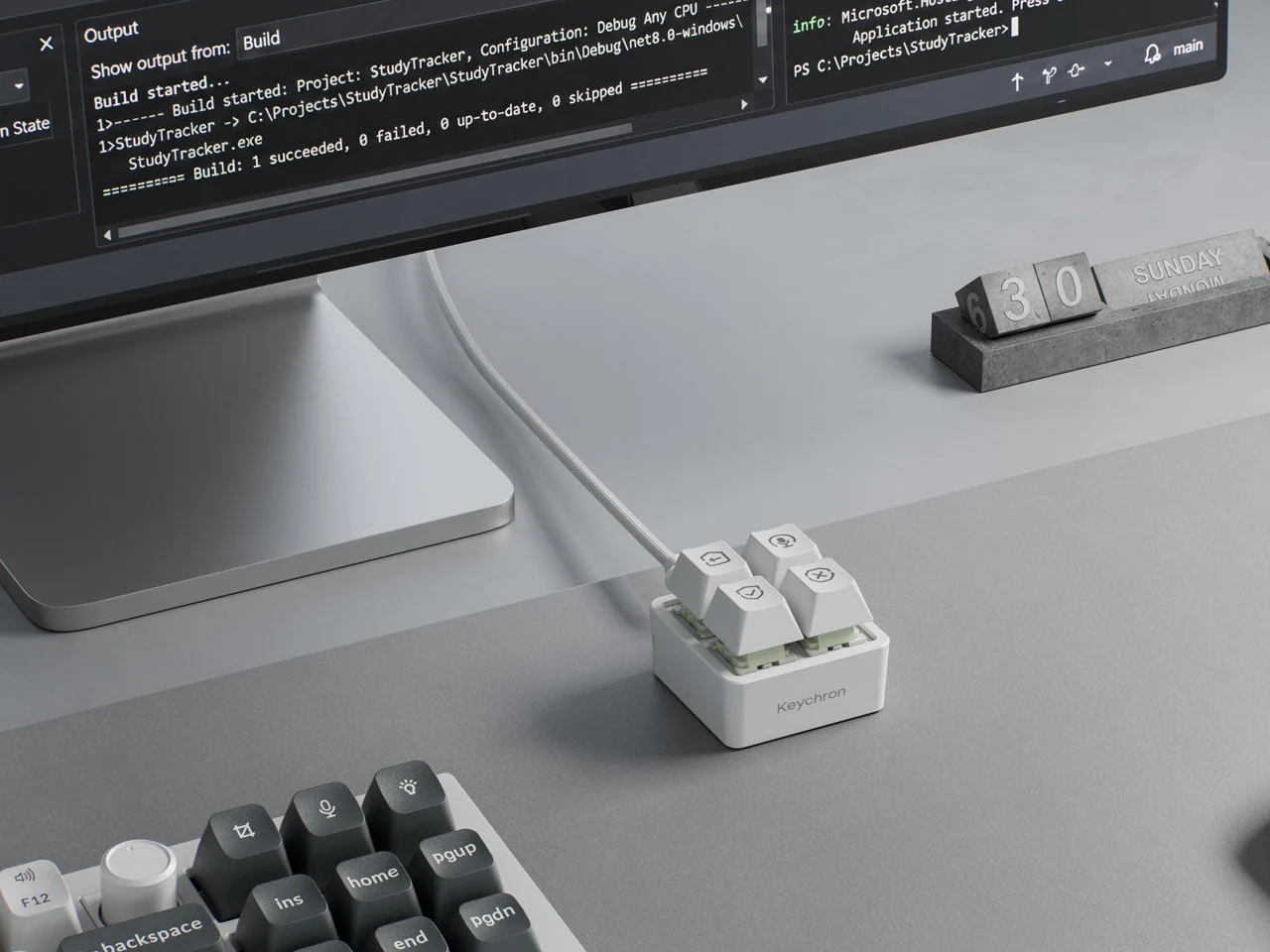
Managing commands with an AI coding assistant can often lead to repetitive tasks as you navigate a full keyboard. The Keychron F4 HE 8K Vibe Coding Keypad addresses this issue by offering four dedicated programmable buttons for common actions like prompting, dictation, approval, and rejection, all while allowing you to keep your existing keyboard.
Compact Design with Customization Options
This keypad features a compact square design measuring just 1.77 inches on each side, with a height of 1.35 inches due to its tall keycaps. Available in both black and white, its appearance resembles a corner piece cut from a mechanical keyboard. The enclosure is crafted from ABS plastic surrounding an aluminum plate, which showcases the switch housings beneath the keycaps instead of concealing them.
Functional Keycaps and RGB Lighting
The keycaps serve more than just a pressing surface; Keychron includes 15 dye-sublimated PBT icons to label your custom commands, such as a microphone, check mark, or cross. Additionally, each key features per-key RGB lighting, allowing you to assign colors for visual cues—like green for approval and red for rejection. These indicators are physical labels rather than dynamic screens that change with different applications.
Streamlined Workflow with AI
If you’re accustomed to reviewing generated code, the keypad’s intended use will feel familiar. You can initiate a dialogue, dictate modifications, and accept or reject changes using the customized mappings that fit your software needs. Keychron provides presets for Codex and Claude through its browser-based Launcher. It’s important to note that while there’s a microphone icon, the keypad itself does not contain a microphone; you’ll need a separate device for voice input.
Versatile Shortcut Functionality
The Launcher also supports standard shortcuts and recorded macros, making the keypad useful even when not interacting with AI. For instance, you could assign a meeting mute button or a window-snapping shortcut. Although the settings are saved directly to the device, the shortcuts will still need to be compatible with whatever computer you use next. The onboard memory remembers your assignments without storing the applications they control.
Customizable Key Travel and Dynamic Actions
The magnetic switches provide an additional layer of customization by allowing you to adjust the key travel distance before an action is registered. You can set a key for a light touch or require a firmer press. The Dynamic Keystrokes feature enables you to assign up to four actions to a single key, combining pressing and releasing for enhanced flexibility. However, this added complexity might detract from the simplicity of having clearly labeled buttons.
Specifications and Pricing
Keychron boasts a rapid response rate of 8,000 reports per second via USB-C, a feature more relevant to gaming than to AI responsiveness. It’s worth noting that the keypad comes with 11 extra caps and a manual, but lacks a connection cable, so users will need to supply their own. Priced at $34.99, the Keychron F4 HE 8K Vibe Coding Keypad remains in beta, with a full release expected on November 9, 2026. Ultimately, the effectiveness of these four dedicated buttons will depend on how frequently you find yourself repeating the same commands.

